
Download
Windows

The recommended way: the package is signed by Microsoft, so Windows shows no SmartScreen warning, and the Store keeps it up to date.
Or, from the latest release, the installer (-setup.exe, no administrator rights needed) or the zip to extract anywhere. Windows may warn you the first time: click More info, then Run anyway.
Fedora
Fedora 43 and later, from the COPR repository: updates arrive with the system ones.
sudo dnf copr enable iosonopiero/eyecansee
sudo dnf install eyecansee
HEIC photos also need libheif-freeworld from RPM Fusion.
Other Linux distributions
The .AppImage from the latest release: make it executable and run it, nothing else to install. It needs a distribution from 2022 or later.
For the applications menu, open it with Gear Lever. It keeps updating itself.
What it does
Browse everything the same way
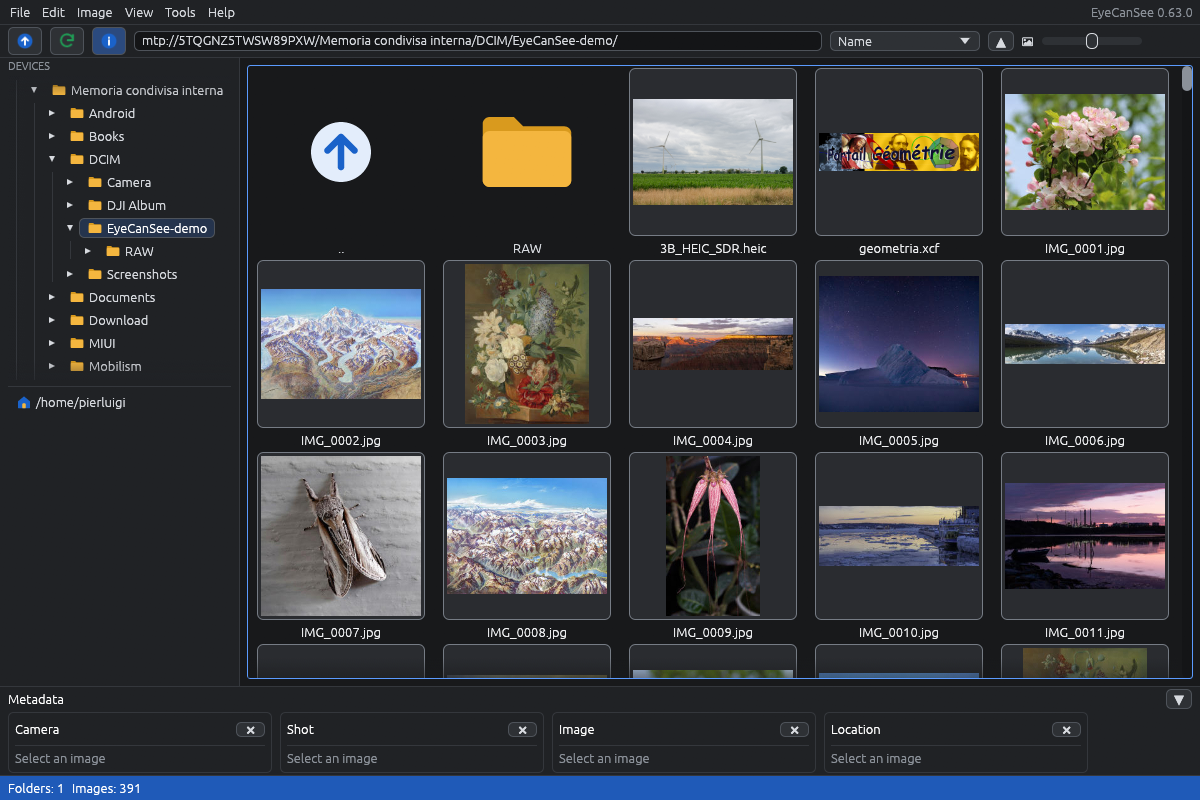
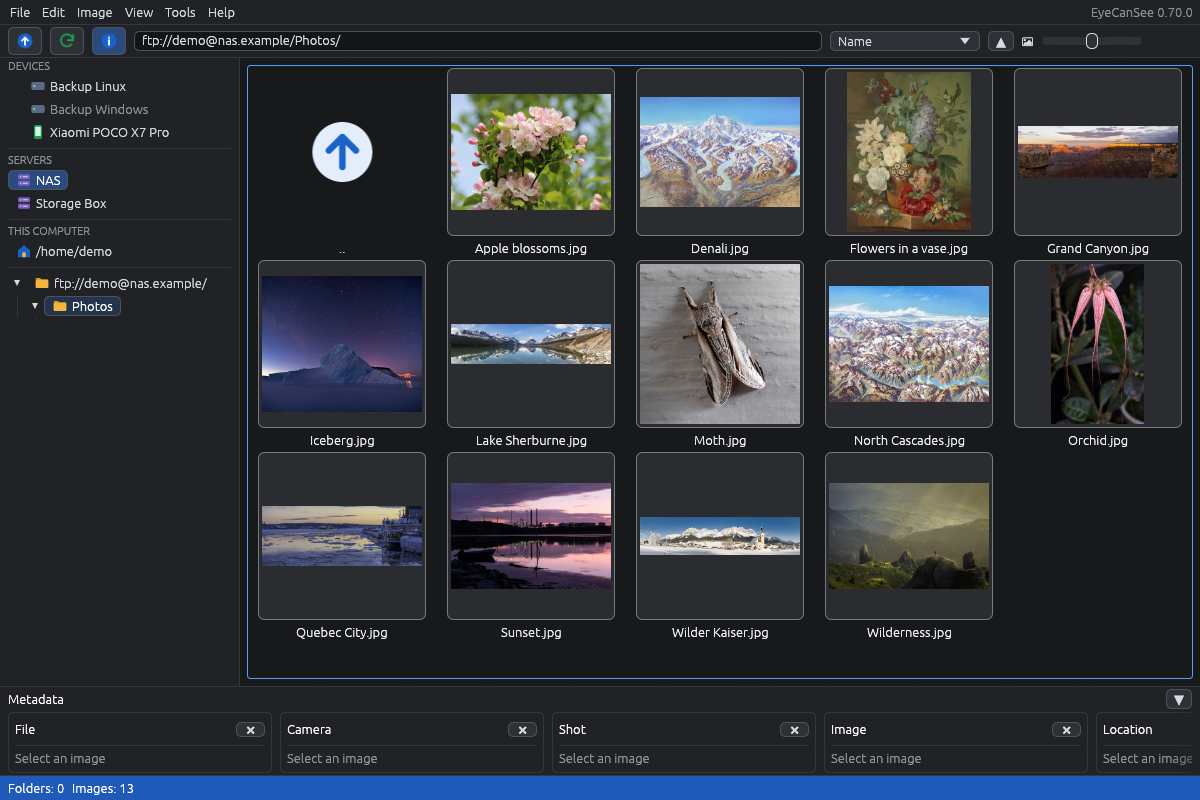
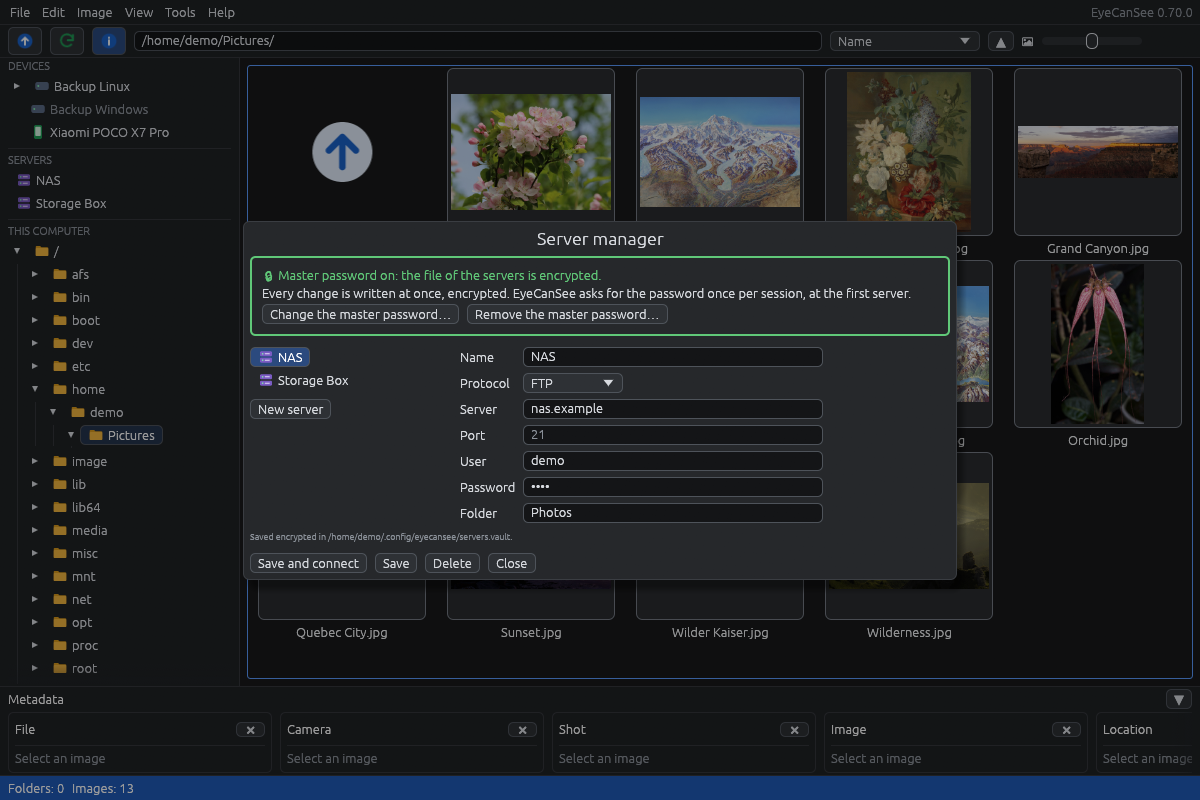
Folders, external disks and USB sticks, SFTP, FTP and FTPS servers, Android phones and cameras over USB. No import and no database: open a folder and the photos are there.
Viewer
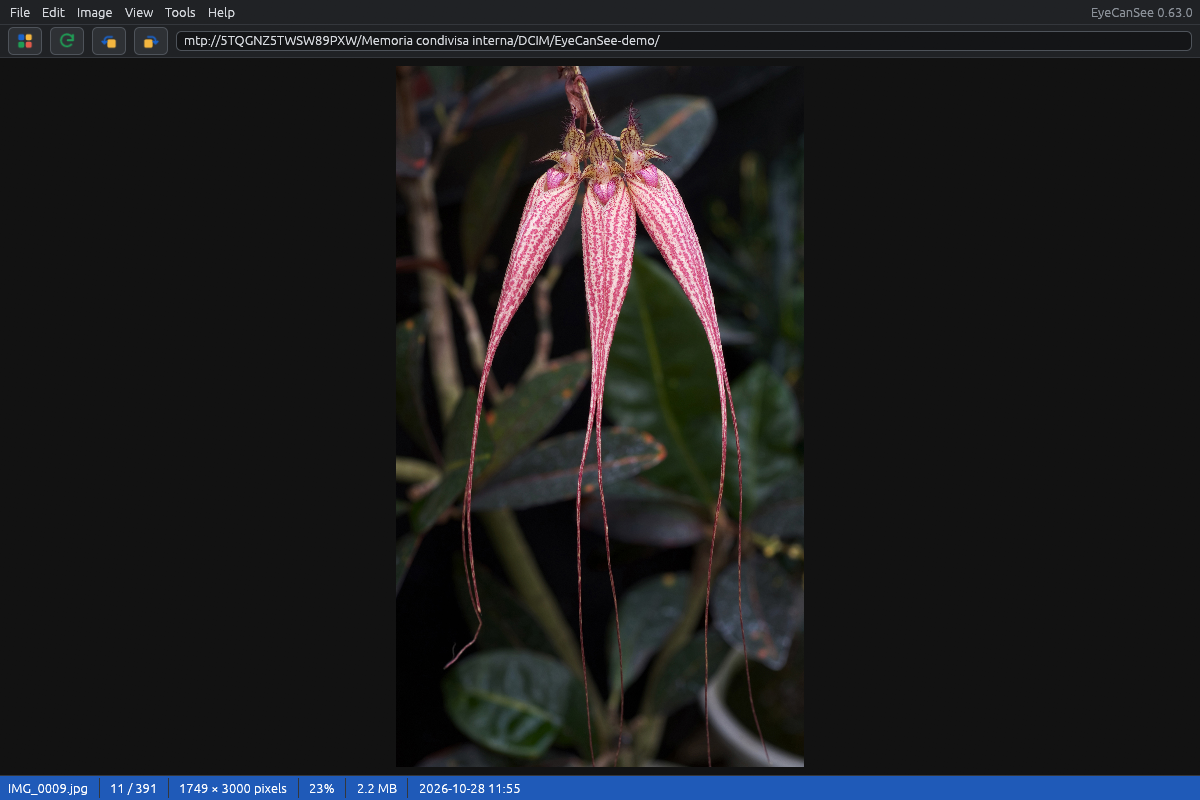
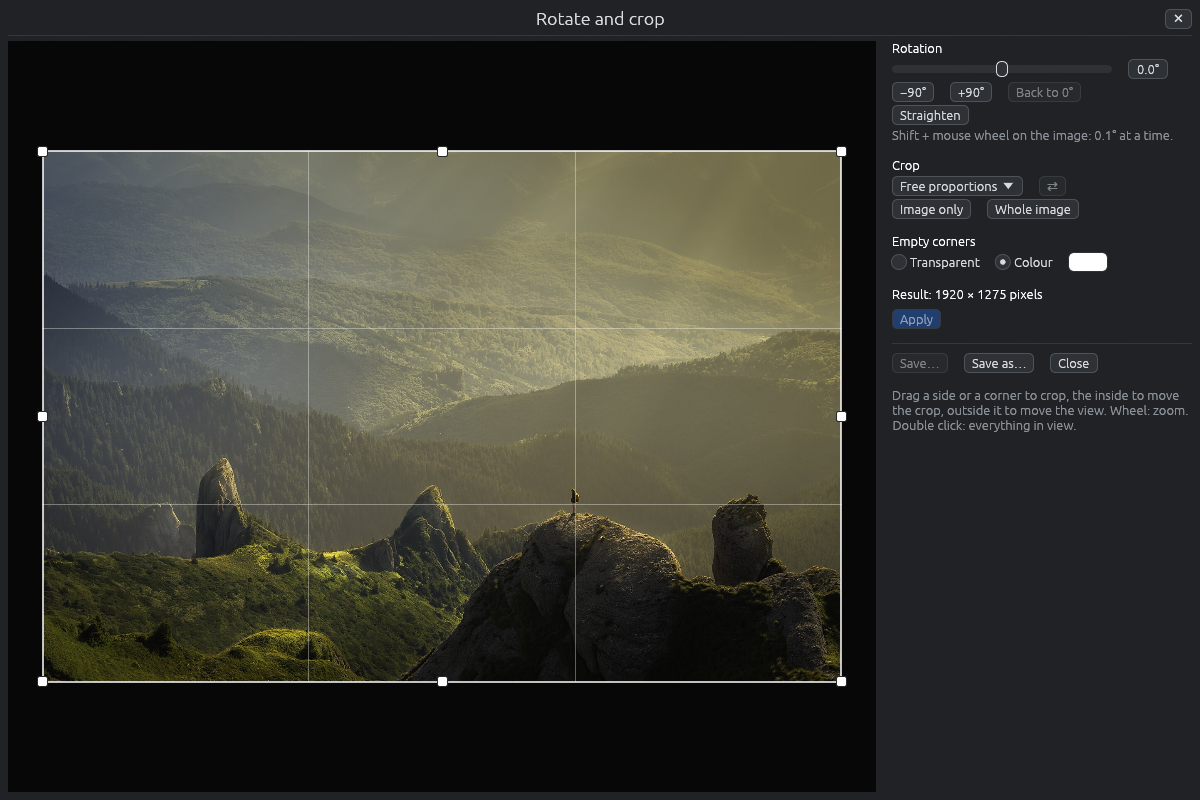
Zoom, preloading so moving between images never waits, photo details (camera, exposure, date, place on a map), videos with sound and a full-screen slideshow.
Copy between devices
Copy and move from the phone to a disk or a server and back, rename, delete with a trash on every device.
Convert
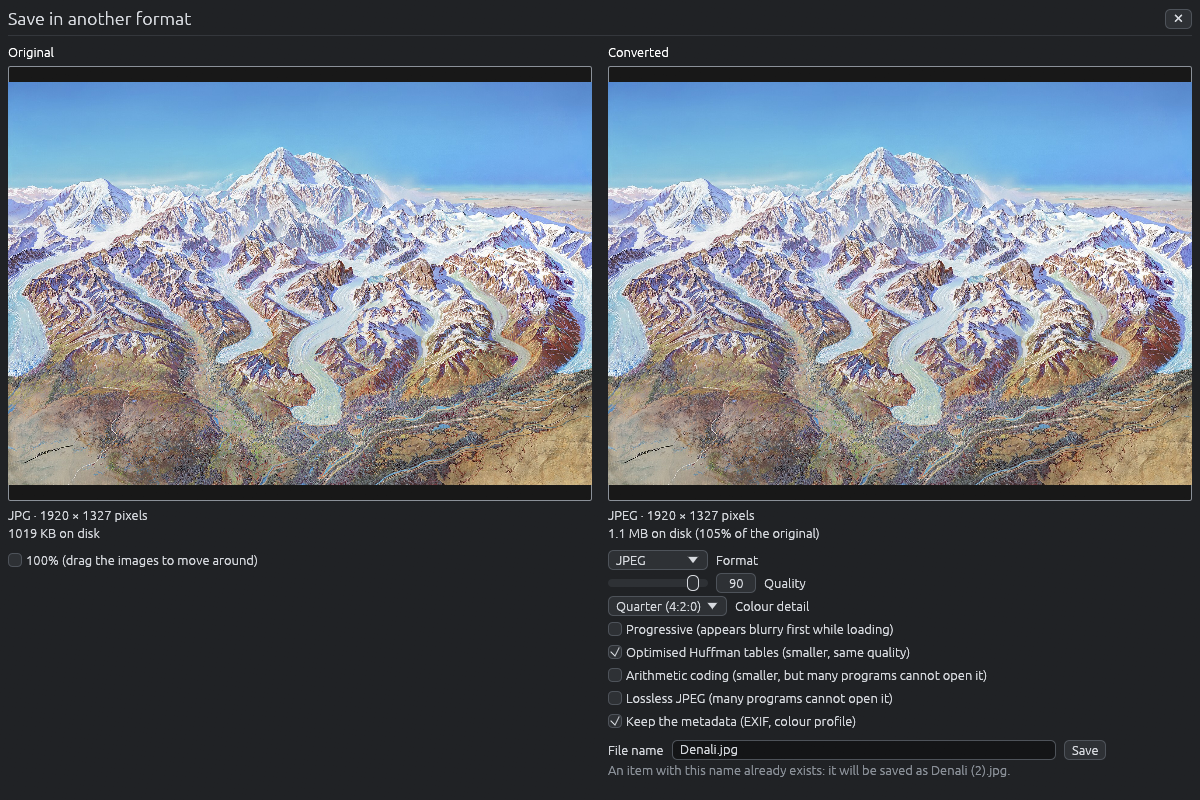
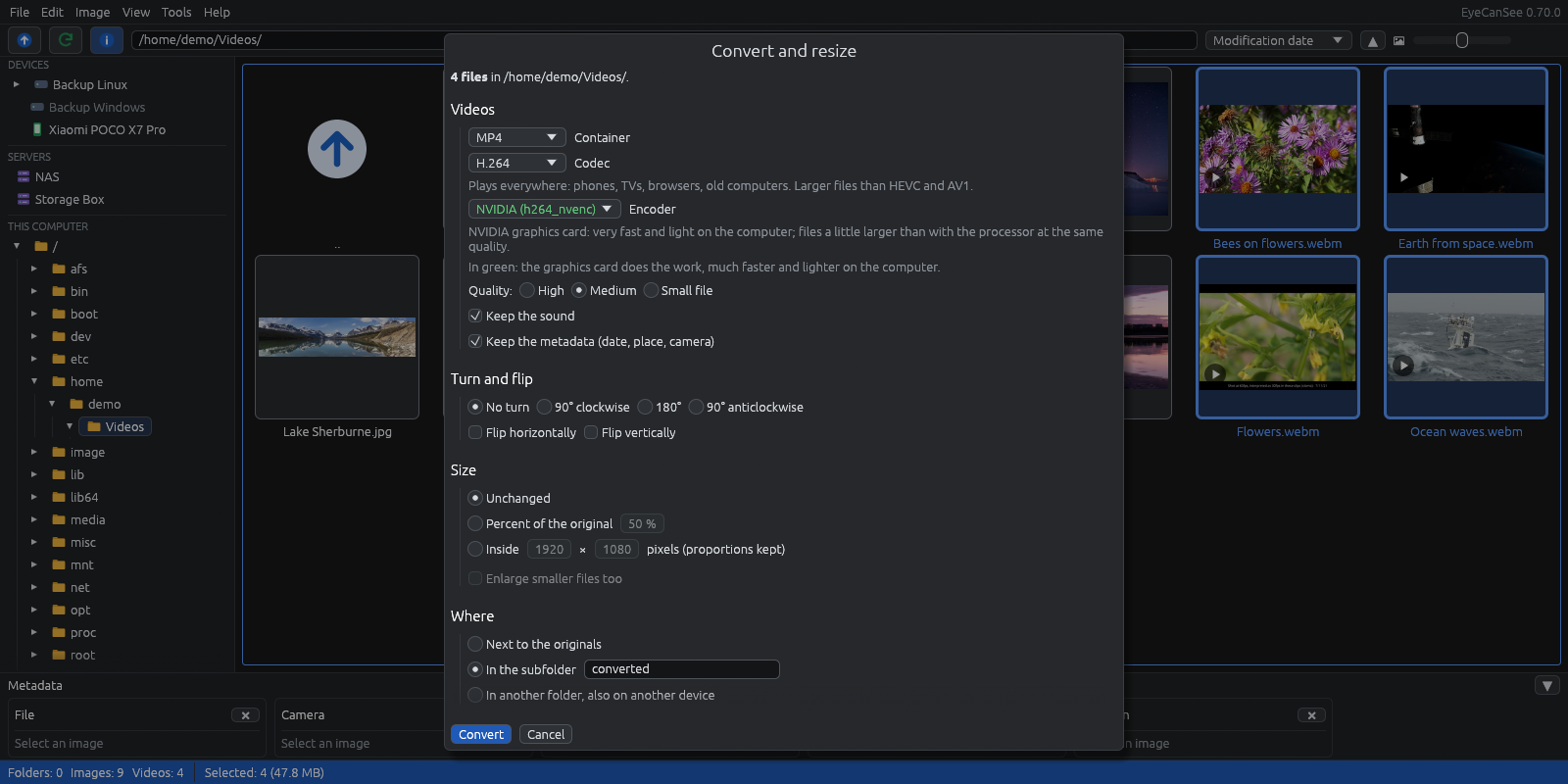
Images to JPEG, PNG, WebP, AVIF, TIFF and more, many files at once; videos with FFmpeg, on the graphics card when it can, keeping the metadata and the GPS track of dashcams and drones.
Duplicates
Finds identical photos, videos and audio files in a folder and its subfolders, on any device, and always keeps at least one copy.
Formats
HEIC, AVIF, JPEG XL, PSD, Camera RAW from many brands, and rarer formats through ImageMagick. English and Italian, light and dark theme.
The numbers
A folder of 400 files on a POCO X7 Pro over USB, Fedora 44, cold caches.
On Linux EyeCanSee talks to the phone directly over USB with mtp-rs, a pure Rust MTP library, instead of going through the file manager.
Screenshots
Trust
- Every release file is signed with minisign, and the app installs only updates with a valid signature.
- Free and open source, GPL-3.0-or-later.
- No ads, no account, no data collected: see the privacy policy.
- I am not a programmer any more: I wrote EyeCanSee with the help of Claude Code, and I test every feature on my own computers and devices before it goes in.